A chat-screenshot test needs different messages, people and timestamps. IMStage keeps those variations in editable synthetic scenes for software tests, teaching and evaluation datasets. Current project overview
In IMStage
, edit messages, people, avatars and device settings directly, or sign in to let the hosted Agent draft and revise a scene. Previews and exports carry an “AI-generated / Fictional” label by default. Features and usage boundaries An earlier interface from September 2026, with fictional people and synthetic photos. Current features and licensing are described below.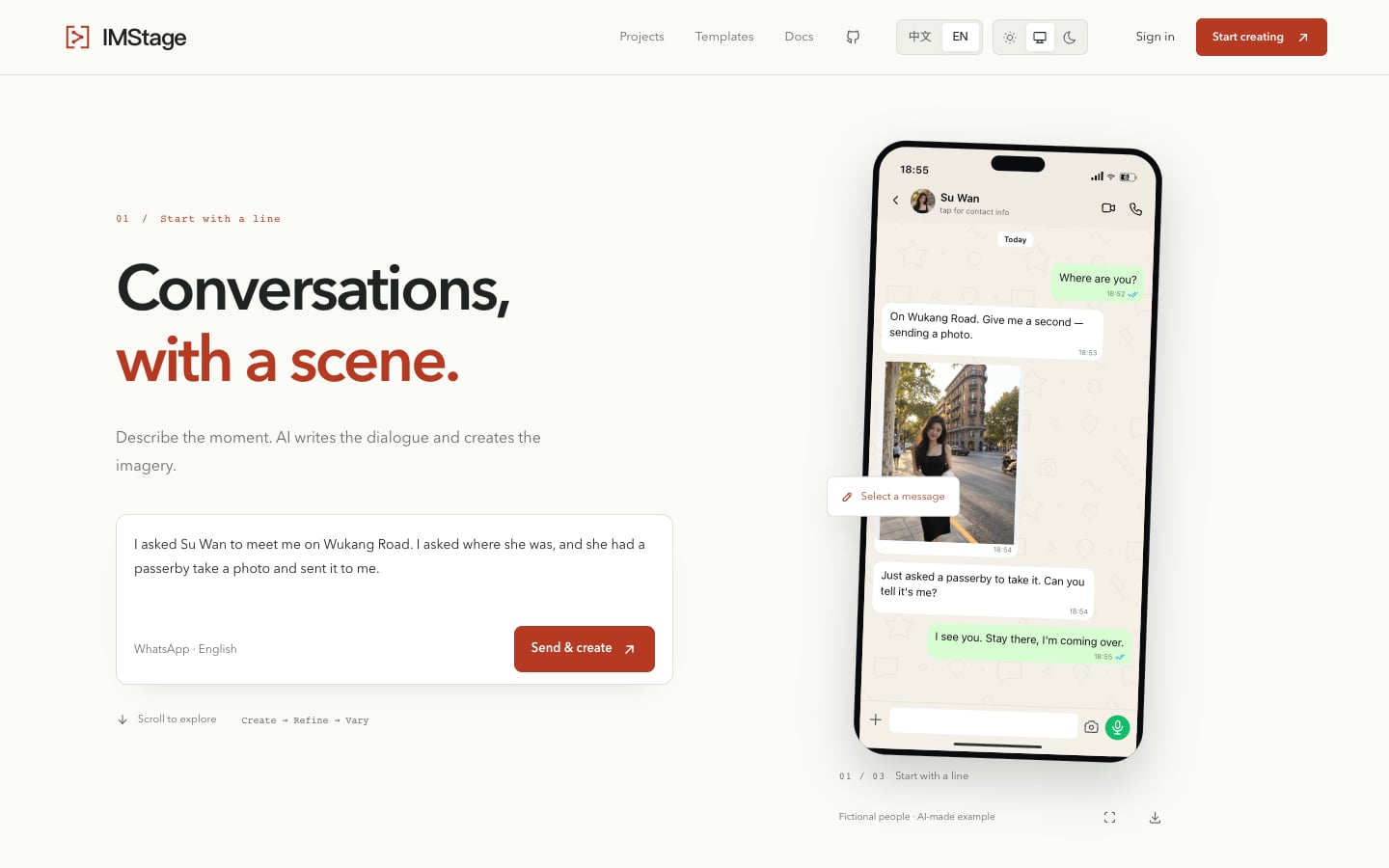
A scene you can keep changing
Rewrite a reply, replace an avatar, or adjust the time and device status without starting over. Export a standard frame, a long PNG, or editable JSON. Editing and export
Local sessions stay in the current browser; the hosted service saves scenes and projects for signed-in accounts. Manual editing and PNG export need no model key. The hosted Agent requires server configuration and sign-in. Hosting and local use
One premise, different stories
Save a scene as a template and reuse names, images and other content as variables. A project holds shared rules for batch variations, letting one test scene cover different messages and people. Templates and projects
Public real-screenshot reference editing is disabled, and payment, transfer, red-packet and balance messages have been removed. Use fictional or authorised assets; synthetic output must never be presented as evidence of a real conversation. Current restrictions
Self-host it or connect your AI tools
Account MCP uses OAuth sign-in and shares saved scenes with the Web workspace. Self-hosted instance MCP retains an administrator token and a separate scene store. These connections have different account and storage boundaries. MCP connections
Current versions use a source-available non-commercial license for testing, learning and research. New versions no longer use MIT; earlier MIT releases retain their original terms. License notes

Responses